Chat with a Collection as a Business User
Overview
Chatting with a Collection as a business user allows you to ask questions about the Document(s) in Collections shared explicitly with users or publicly. When answering a question, Enterprise h2oGPTe provides the Document(s) references it utilized to respond to a question.
When you ask a question about the Document(s) in the Collection, Enterprise h2oGPTe crawls through the indexed Document(s) in the Collection to find relevant content to answer the question.
Instructions
To chat with a collection as a business user:
- Click Collections.
- In one of the following tabs, locate the collection you want to chat with:
- All collections
- Shared
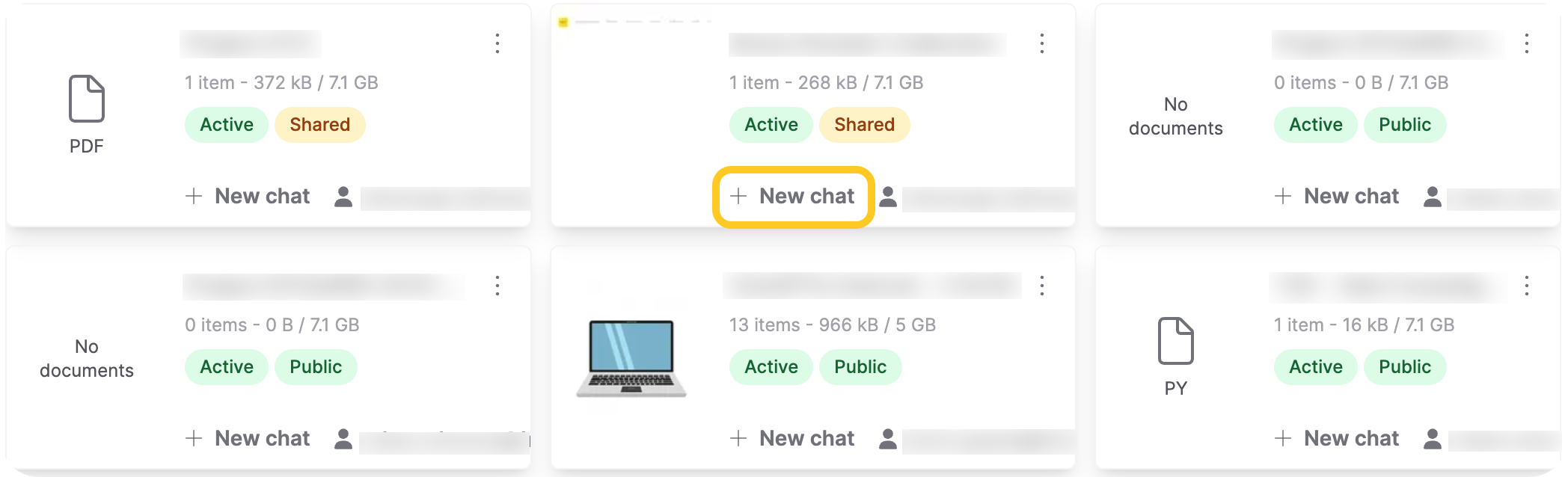
- Click + New chat on the collection card to start a chat directly with that collection.
Next steps
To learn more about Collections, go to: Collections overview
Feedback
- Submit and view feedback for this page
- Send feedback about Enterprise h2oGPTe to cloud-feedback@h2o.ai