Datasets
Overview
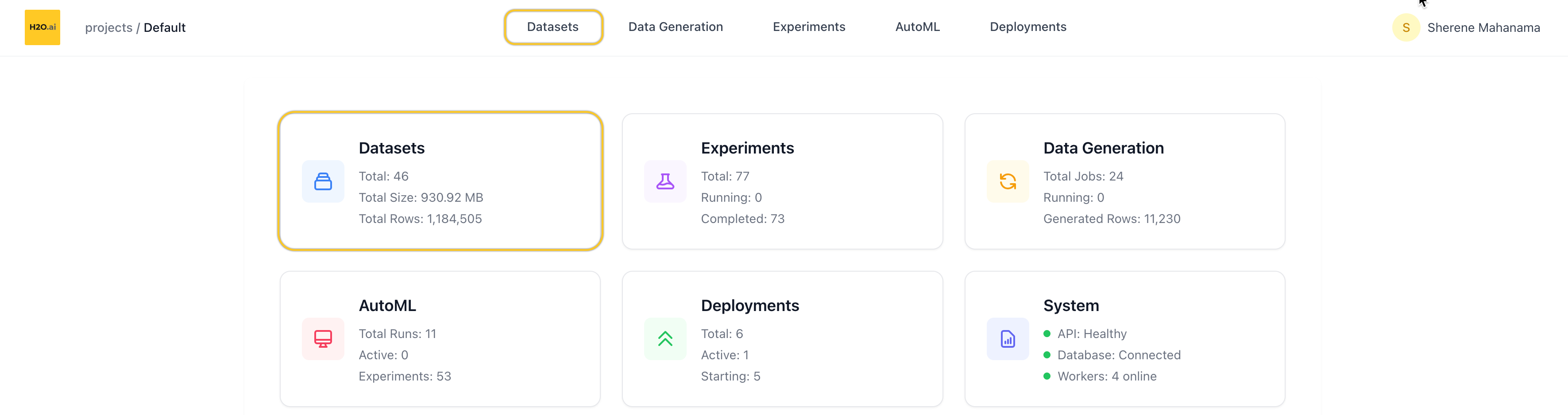
The Datasets page lets you manage all datasets within your current project. From here, you can view, search, filter, and take actions on individual datasets — including launching experiments directly from the dataset view.
You can access Datasets from:
- The top navigation tabs, or
- The Datasets card on the homepage of a project
List datasets
When you open the Datasets page, you’ll see a table showing all datasets in the current project.
Table columns
Each row represents one dataset and includes:
- Name
- Number of rows
- File size (for example, KB or MB)
- File type (for example, CSV or Parquet)
- Created date
You can:
- Search by name
- Search by file type
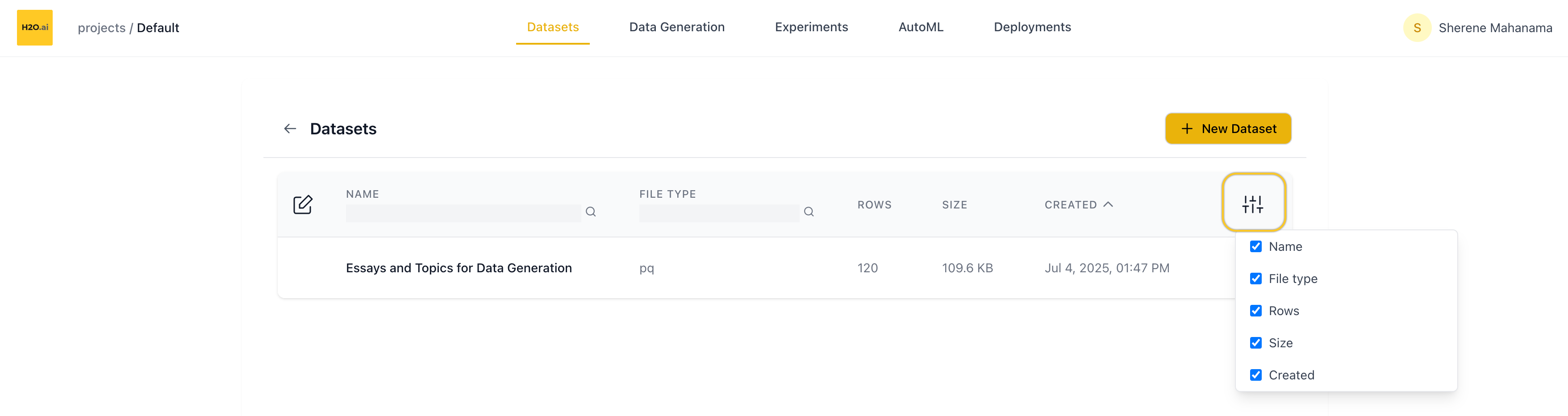
- Customize columns using the column visibility toggle (top-right of the table)
Edit dataset
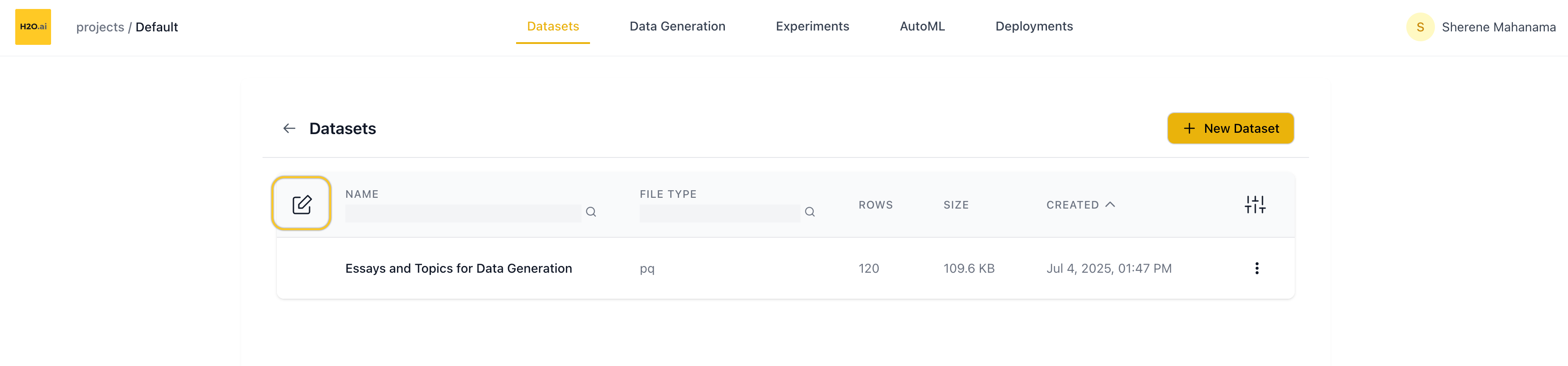
Click the checkbox icon at the top-left of the table to:
- Select multiple datasets
- Bulk delete selected datasets
Use the Cancel button (bottom of the screen) to exit edit mode.
Row actions
Each dataset row includes a dropdown menu with:
- Rename — opens a rename dialog
- Delete — removes the dataset from the project
Add new dataset
Click the ➕ New Dataset button (top of the page) to upload your own data.
In the New Dataset screen, you can:
- Name your dataset (optional — a default name is generated if left blank)
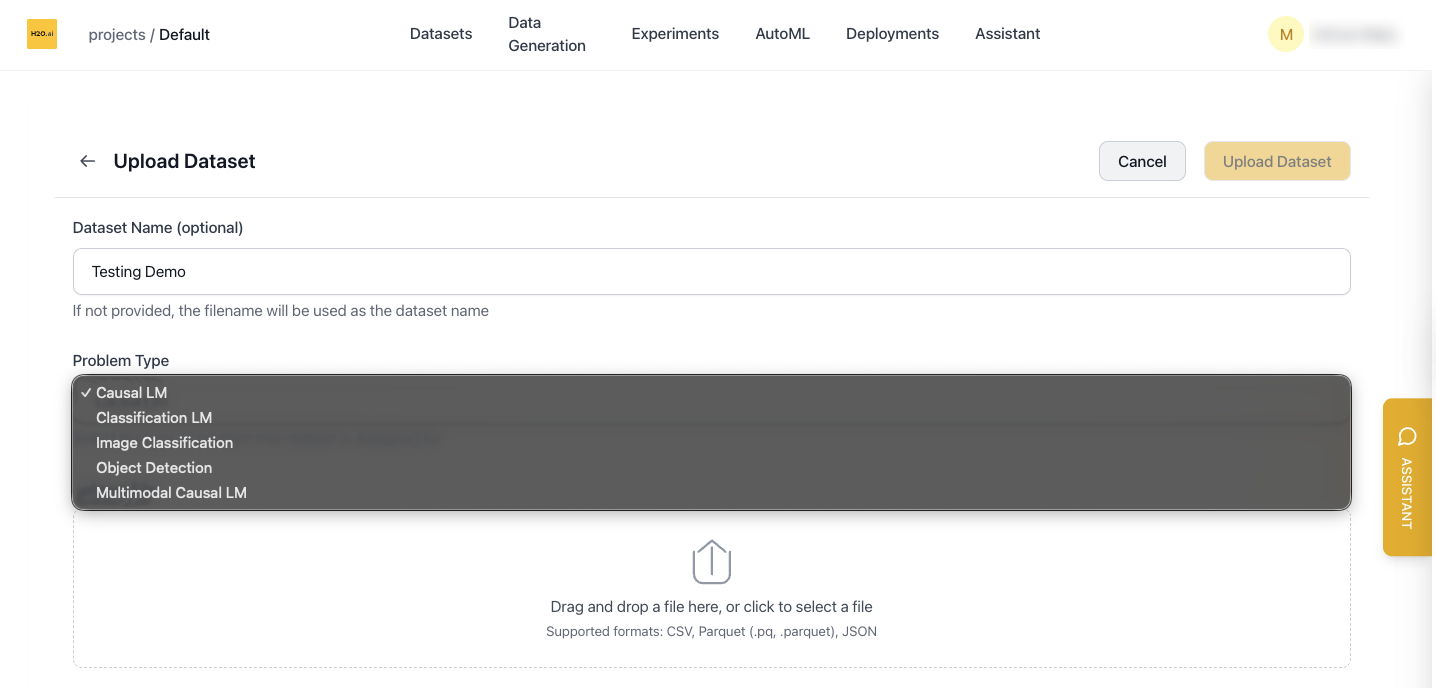
- Select a Problem Type from the dropdown
- Upload a file via drag-and-drop or file picker
Problem type
The Problem Type dropdown determines how the dataset is interpreted during training and which settings are shown when you create a new experiment.
Supported problem types and dataset requirements:
Causal LM
- Requires an input column.
- The output column is optional for conversation-style datasets.
- If your dataset contains only input text (without labels), you can generate outputs using Data Generation before fine-tuning.
- In experiment setup, this uses text fields (for example,
input_columnand optionaloutput_column).
Classification LM
- Requires an input column and an output (label) column.
- Output labels are validated as classification labels during training.
- In experiment setup, this uses text-based
input_columnandoutput_columnfields.
Image Classification
- Requires an image column containing base64-encoded or binary image data.
- Requires an output (class-label) column.
- Unlike object detection, this does not require a COCO annotation column.
- In experiment setup, this uses image-specific fields such as Image Column instead of text-only input fields.
Object Detection
- Requires an image column and a single annotation output column.
- Each annotation must include
bboxandcategoryfields (COCO-style structure). - The output column must be a single column name (not a list).
- In experiment setup, this uses
image_columnandoutput_column(annotation) fields, not text input fields.
Multimodal Causal LM
- Requires an input column, an output column, and an image column.
- The optional system prompt column is supported if provided.
- In experiment setup, this uses both text and image fields.
Tabular
- Used for tabular prediction tasks (classification and regression) powered by TabH2O.
- Requires a target column to predict.
- Tabular datasets do not support training — predictions are run directly using a foundation model from the Predictions page.
- Supported use cases include binary classification, multi-class classification, and regression.
Supported file formats
.csv— Comma-separated values.parquetor.pq— Parquet format.json— JSON structured data
Once uploaded, you’ll be returned to the Datasets page and your new dataset appears in the list.
Use a demo dataset
If you don’t have a dataset handy, you can start with one of our pre-configured demo datasets.
On the New Dataset screen, scroll down to find:
“…or get started quickly with our demo datasets”
Clicking any of the demos immediately imports that dataset into your project.
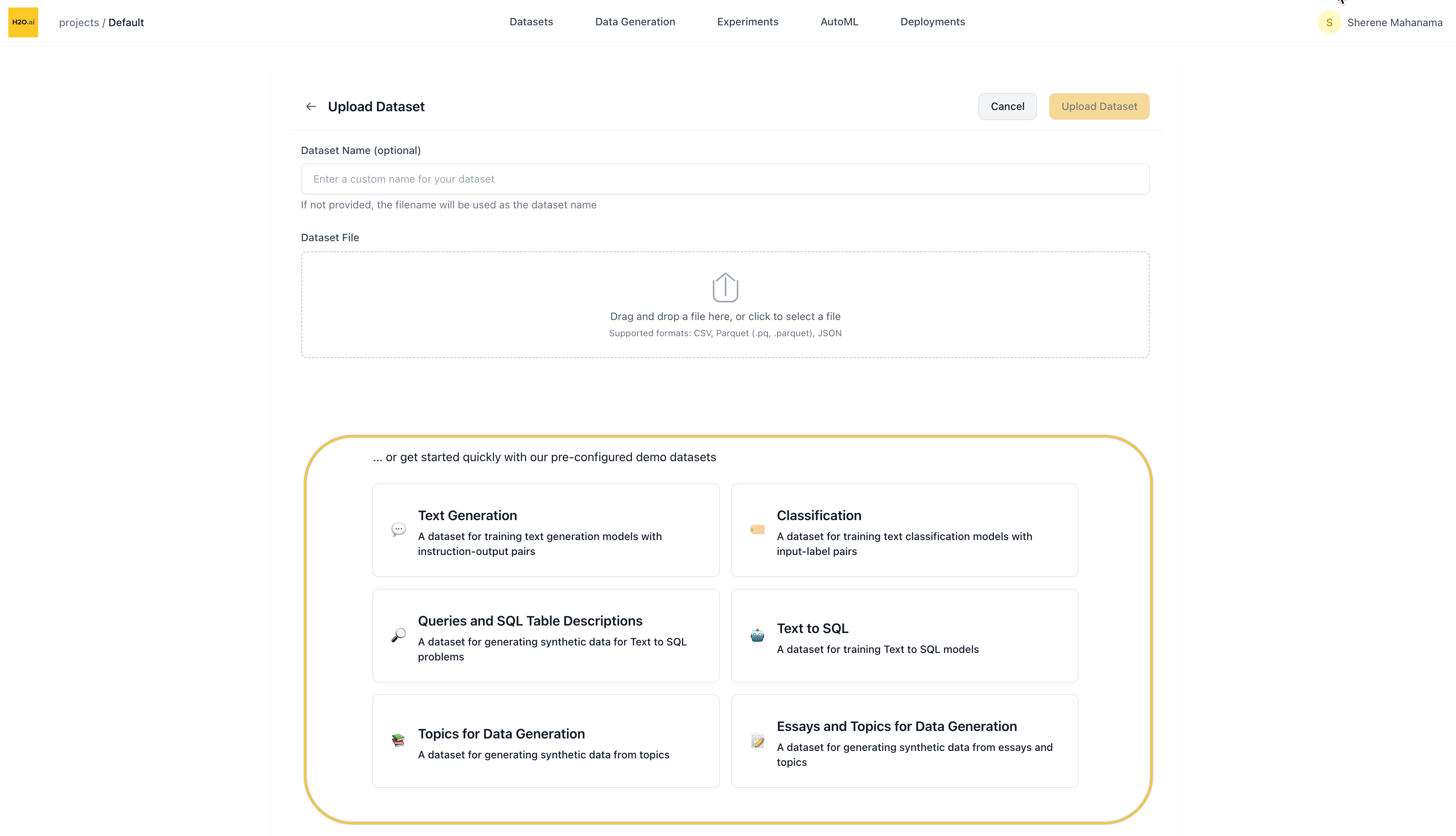
Available demo datasets
- Text Datasets
- Image Datasets
- Multimodal Datasets
- Tabular Datasets
- Data Generation
| Dataset | Problem Type | Size | Description |
|---|---|---|---|
| Chatbot Conversations | Causal LM | 14 MB • ~12K rows | Instruction-output pairs for training conversational AI models (OASST2) |
| Text-to-SQL | Causal LM | 3.7 MB • 3K rows | Question-SQL pairs for training models to convert natural language to SQL |
| Sentiment Classification | Classification LM | 20 MB • ~25K rows | IMDB movie reviews for binary sentiment classification |
| Multi-Label Text Classification | Classification LM | 5.1 MB • ~10K rows | Financial news with multiple category labels (Reuters-21578) |
| Dataset | Problem Type | Size | Description |
|---|---|---|---|
| Digit Classification | Image Classification | 15 MB • ~60K rows | Handwritten digit images for classification (MNIST) |
| Mini ImageNet | Image Classification | 99 MB • 800 rows | Generic image dataset with 50 categories from ImageNet |
| VOC 2012 | Object Detection | 109 MB • 1K rows | Object detection dataset with bounding box annotations for 20 object categories (PASCAL VOC) |
| Dataset | Problem Type | Size | Description |
|---|---|---|---|
| Mini TextVQA | Multimodal Causal LM | 250 MB • 650 rows | Visual question answering with images and text-based questions (TextVQA) |
| Dataset | Problem Type | Size | Description |
|---|---|---|---|
| Customer Churn | Tabular | 3K rows | Telecom customer data for predicting churn (Splunk) |
| Bank Marketing | Tabular | 313 KB • 45K rows | Bank marketing campaign data for predicting term deposit subscriptions (OpenML) |
| Maternal Health Risk | Tabular | 9 KB • 1K rows | Maternal health data with vitals and risk levels collected from hospitals and clinics (UCI) |
| QSAR Fish Toxicity | Tabular | 24 KB • 907 rows | Molecular descriptors for predicting acute aquatic toxicity (LC50) in fathead minnow (UCI) |
| Dataset | Problem Type | Size | Description |
|---|---|---|---|
| Topic-Based Data Generation | Data Generation | 7 KB • 120 rows | Simple topic prompts for synthetic content generation |
| Essay-Enhanced Data Generation | Data Generation | 110 KB • 120 rows | Essay samples with topics for advanced synthetic data generation |
| Text-to-SQL Queries | Data Generation | 2.1 MB • 10K rows | Natural language queries mapped to SQL table schemas |
The specific demos available may change over time — they’re designed to help you quickly test and explore LLM fine-tuning in the platform.
After importing a demo, you’ll be redirected back to the Datasets list where you can explore and use it like any other dataset.
Dataset overview page
Clicking on a dataset opens its Overview page.
Header actions
At the top of the page:
- Rename the dataset via the edit icon next to the name
- Create Experiment to kick off a fine-tuning run using this dataset
- Delete the dataset
Metadata summary
Right below the header, you’ll see metadata about the dataset:
- File size
- Row and column count
- Token count (total tokens in the dataset)
- Created date
- Number of experiments launched using this dataset
Column details
Scroll down to view the Column Details section:
- Each column is listed with:
- Column name
- Max token length for that column (useful for prompt planning)
- You can collapse or expand this section as needed
Dataset sample
Below the column details is the Dataset Sample table:
- Shows up to 20 preview rows
- You can expand individual rows to view full text if it’s truncated
- Especially helpful for verifying formatting and text content in datasets with long texts
- Submit and view feedback for this page
- Send feedback about H2O Cascade to cloud-feedback@h2o.ai