Experiments
Overview
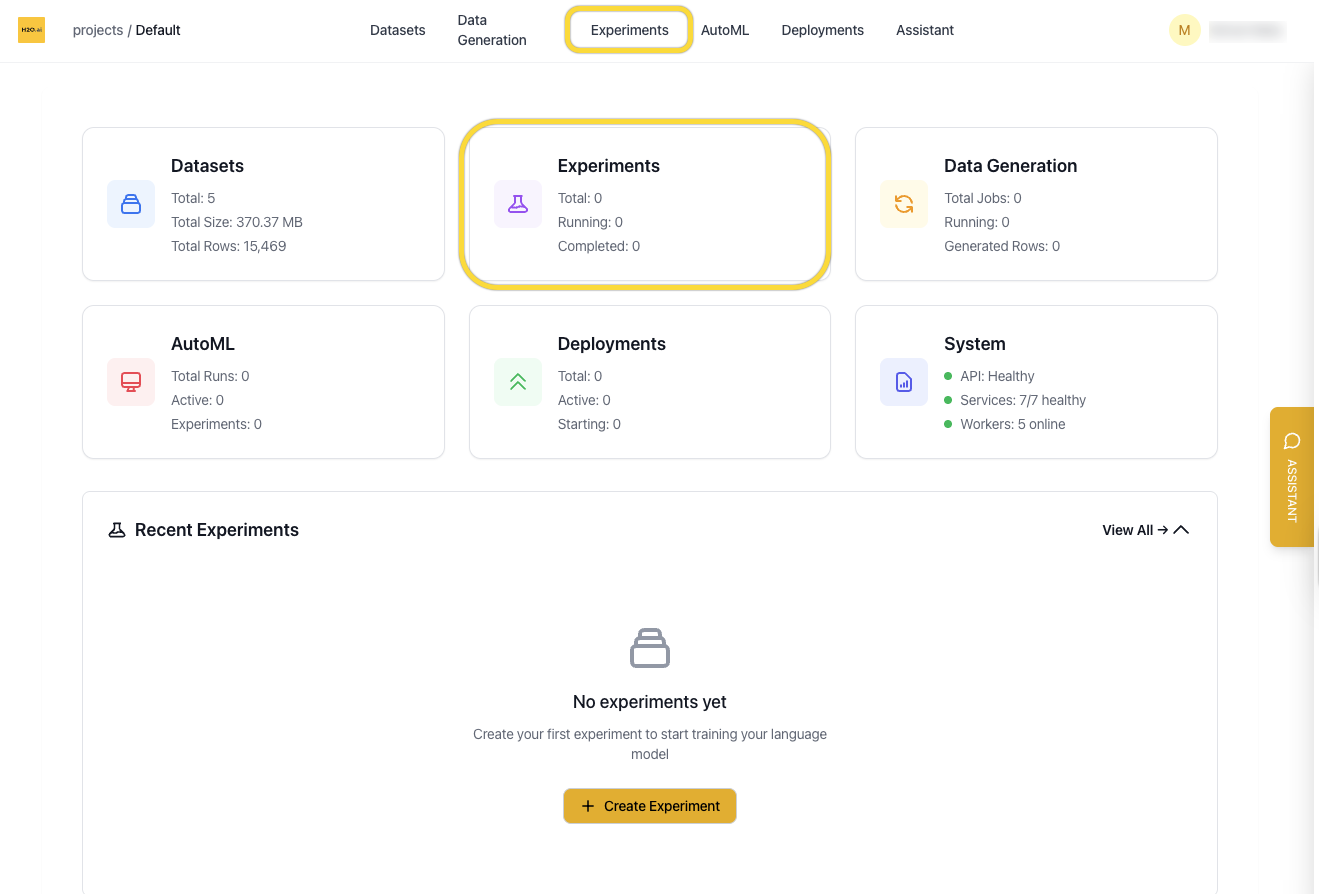
The Experiments page shows all fine-tuning jobs in your current project. From here you can view experiment status, monitor training metrics, and create new experiments from scratch or based on previous runs.
You can open the Experiments page from:
- The Experiments card on the project homepage
- The Experiments tab in the top navigation bar
This section covers:
- Create a new experiment
- View and manage an experiment
- Advanced configuration
- Problem-type details: Text classification, Image classification, and Object detection
Experiment list view
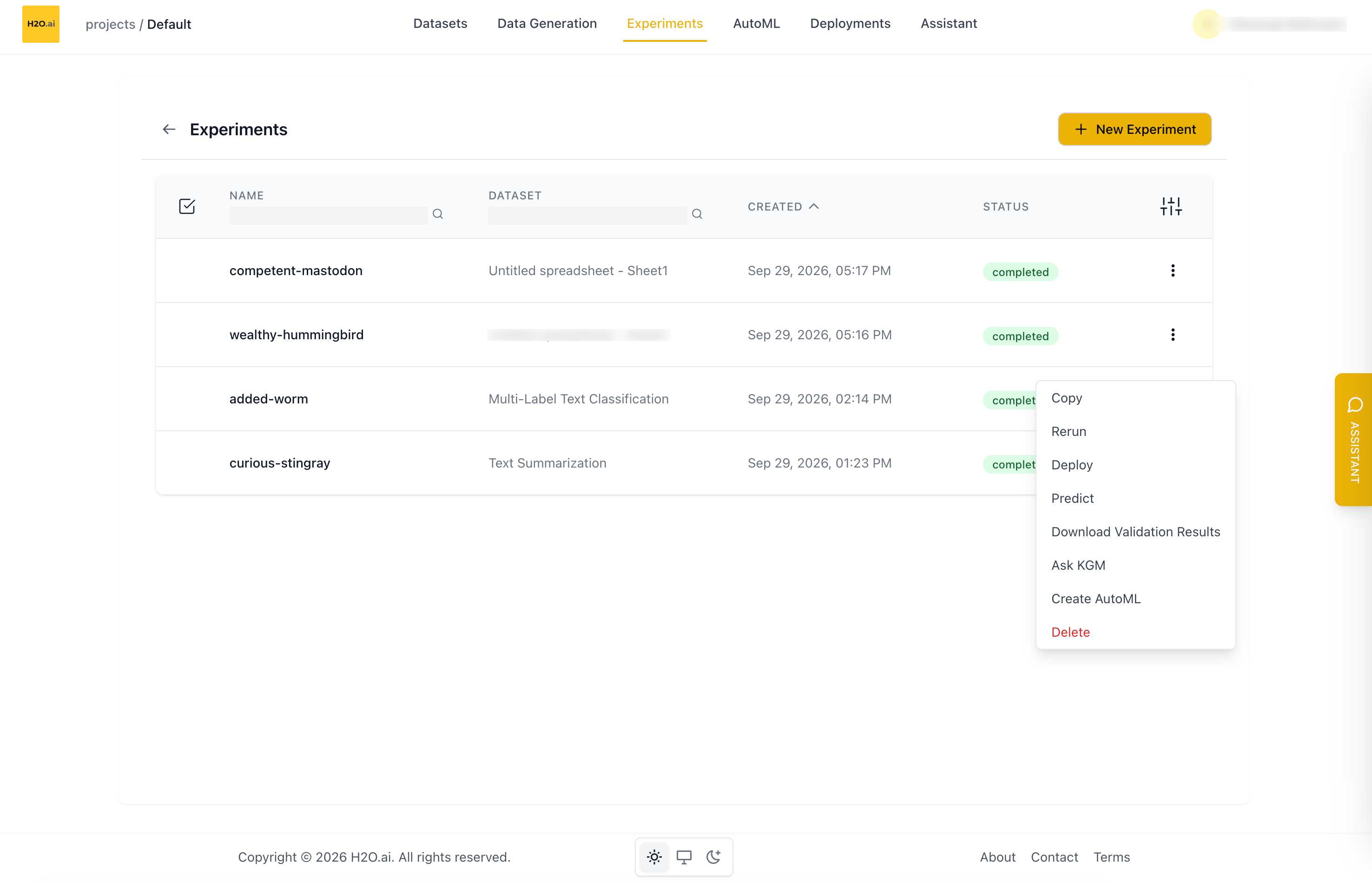
Each row in the experiment list shows:
- Name
- Experiment ID (hidden by default)
- Dataset
- Created date
- Status:
queued,starting,training,validating,completed,failed, orcancelled
Use the column toggle at the top right to show or hide columns, including the Experiment ID and validation metric columns.
You can:
- Search using the search bar under the Name, Experiment ID, and Dataset column headings
- Sort by any column (newest first by default)
- Click the select icon (☑) at the top left of the table to select multiple experiments, then Delete or Compare them, or use Ask KGM if at least one selected experiment is completed
- Click ⋮ on a row to open its action menu: Copy, Rerun, and Delete, plus Deploy, Predict, Download Validation Results, Ask KGM, and Create AutoML for completed experiments, or Stop while an experiment is running
Feedback
- Submit and view feedback for this page
- Send feedback about H2O Cascade to cloud-feedback@h2o.ai