Text classification
Text classification assigns one or more labels to a piece of text. It supports binary, multi-class, and multi-label tasks, such as routing support emails or scoring customer satisfaction from call transcripts.
Dataset format
Your dataset must include:
- Input Column: The column containing the text to classify.
- Output Columns: The label columns. You can select more than one.
- Binary or multi-class: Select one column with the class for each row. Use integers starting at
0, or class names such aspositiveandnegative. Class names are mapped to IDs in alphabetical order and saved in the model'sconfig.json(id2label), so deployments return the original names. - Multi-label: Select one column per label, each holding
0or1.
- Binary or multi-class: Select one column with the class for each row. Use integers starting at
The number of classes (dataset.num_classes in the Advanced Configuration YAML) is inferred from the data when left empty, and checked against the data when set.
Supported models
Text classification loads any Hugging Face model compatible with AutoModelForSequenceClassification:
h2oai/h2o-danube3-500m-chat(default): A decoder-based classifier- BERT-family encoder models such as BERT, RoBERTa, XLM-RoBERTa, ModernBERT, or DeBERTa
- Other decoder backbones adapted for classification
Training modes
Text classification supports all experiment training modes:
- Full Model Training
- LoRA
- QLoRA
Metrics
- AUC: Area Under the Curve (one-vs-rest for multi-class)
- Accuracy: Classification accuracy
- Log Loss: Classification log loss
- MAP@3: Mean Average Precision at 3
Deployment
You can deploy text classification experiments with the standard Deploy action:
- The endpoint is
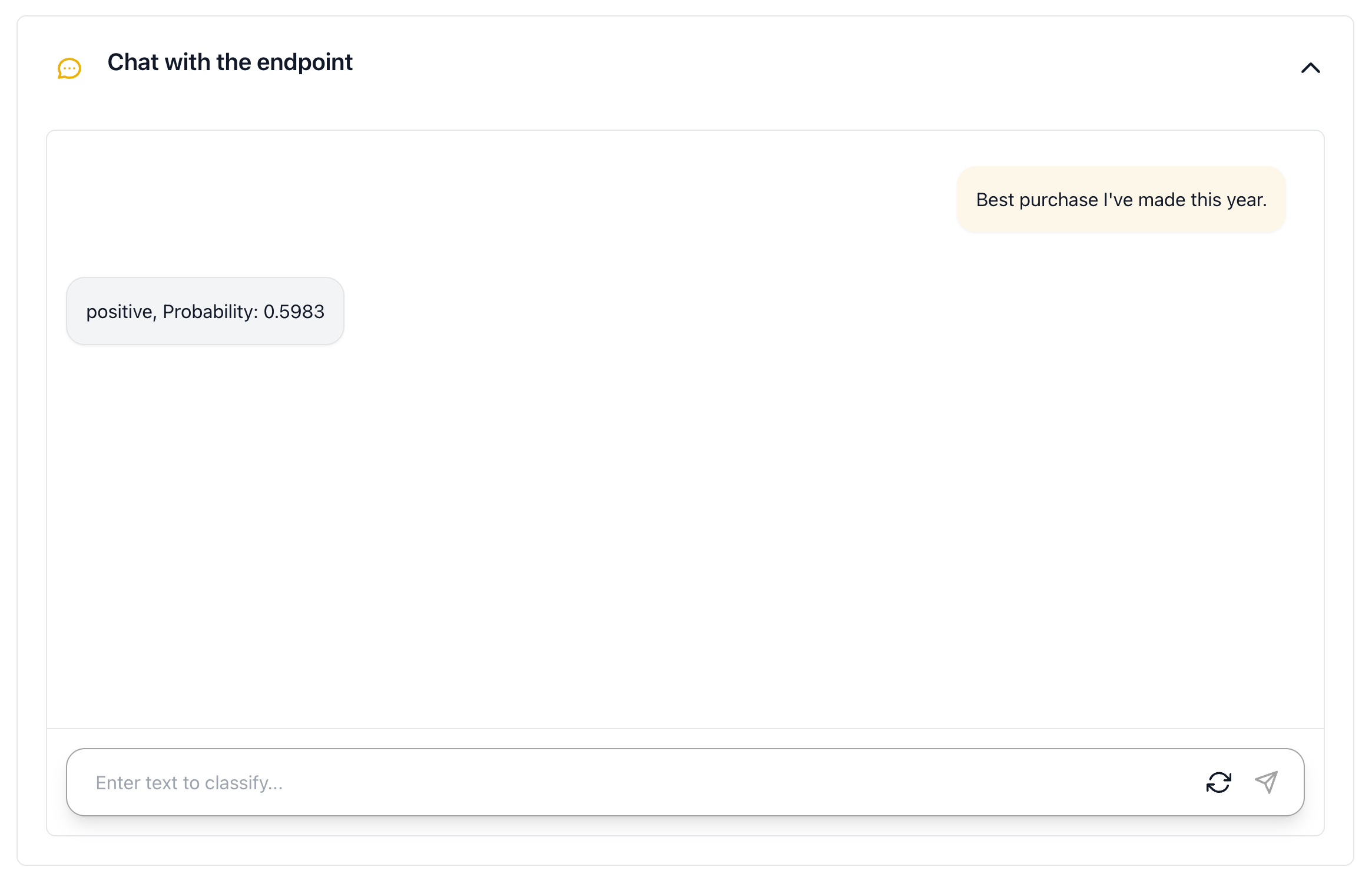
POST /v1/classify. - The Chat with the endpoint window shows the predicted label and its probability.
- Models are served by vLLM, which supports decoder classifiers and BERT, RoBERTa, XLM-RoBERTa, and ModernBERT encoders.
- Inputs longer than the model's context window (512 tokens for classic BERT) are shortened the same way as in training. Encoders keep the start of the text, and decoders keep the end.
Known limitations
-
Encoder deployment: You can deploy only decoder classifiers and BERT, RoBERTa, XLM-RoBERTa, and ModernBERT encoders. vLLM doesn't support other encoders:
- DeBERTa: The deployment fails to start with
Model architectures [...] are not supported for now. - DistilBERT: The deployment starts but returns wrong scores.
For these models, use Predict or download the Validation Results instead.
- DeBERTa: The deployment fails to start with
-
Multi-label deployment: The endpoint returns only the top label for each input, and its scores aren't independent per-label probabilities. For per-label probabilities, use Predict or download the Validation Results.
-
Other limits: Only one input text column is supported. Several text columns aren't combined automatically. The loss options are
ClassificationLoss(automatic),CrossEntropyLoss, andBinaryCrossEntropyLoss. The multi-label decision threshold is fixed at0.5.
- Submit and view feedback for this page
- Send feedback about H2O Cascade to cloud-feedback@h2o.ai