Model Zoo
Model Zoo is the model serving service that comes with H2O Cascade. It runs the models you deploy from the Deployments page and serves a set of built-in models for common tasks.
Why use Model Zoo
With Model Zoo, you can quickly put a model behind an endpoint from the UI, without setting up a persistent production deployment. You can then try many candidate models and compare them before you choose one.
Model Zoo runs several models on a single GPU and loads and swaps them as needed. This costs much less than giving each model its own dedicated endpoint. The trade-off is that Model Zoo unloads a model that sits idle for a while, and the next request waits while the model loads again.
What you can deploy
You can deploy Causal LM, Causal LM (RL), Classification, and Regression experiments, as well as public Hugging Face models.
Not all problem types support deployment. You can't deploy Multimodal Causal LM, Image Classification, or Object Detection models yet, because the vLLM inference engine used for deployments doesn't support them. See Image classification and Object detection in Experiments for problem-type-specific details.
You can deploy Classification and Regression models only if they use a decoder backbone or a BERT, RoBERTa, XLM-RoBERTa, or ModernBERT encoder. A DeBERTa deployment fails to start, and a DistilBERT deployment returns wrong scores. See Text classification.
You also can't deploy Token Classification models. Instead, download the MLflow-compatible MLOps package from the experiment page. See Token classification.
Built-in models
Model Zoo also serves a set of models that H2O selects for common tasks, such as:
- Document parsing
- Image generation
- Image captioning, object detection, and OCR
- PII masking
- Content safety checks
- Named entity recognition
- Text summarization
- Zero-shot text classification
- Chat
Your administrator chooses which built-in models to turn on when they install or upgrade H2O Cascade. None are on by default.
When to use Model Zoo or H2O MLOps
H2O MLOps is the H2O production environment for model deployments. It has the enterprise features you need for production traffic, such as observability and monitoring.
| Model Zoo | H2O MLOps | |
|---|---|---|
| Purpose | Try out and compare models | Serve models in production |
| Resources | Several models share a GPU, and Model Zoo swaps them as needed | Dedicated replicas that you configure |
| Response time | An idle model takes time to load again | Models stay loaded |
| Cost | Low | Higher |
Use H2O MLOps when the model serves real users or production traffic, or when you have a service-level agreement (SLA).
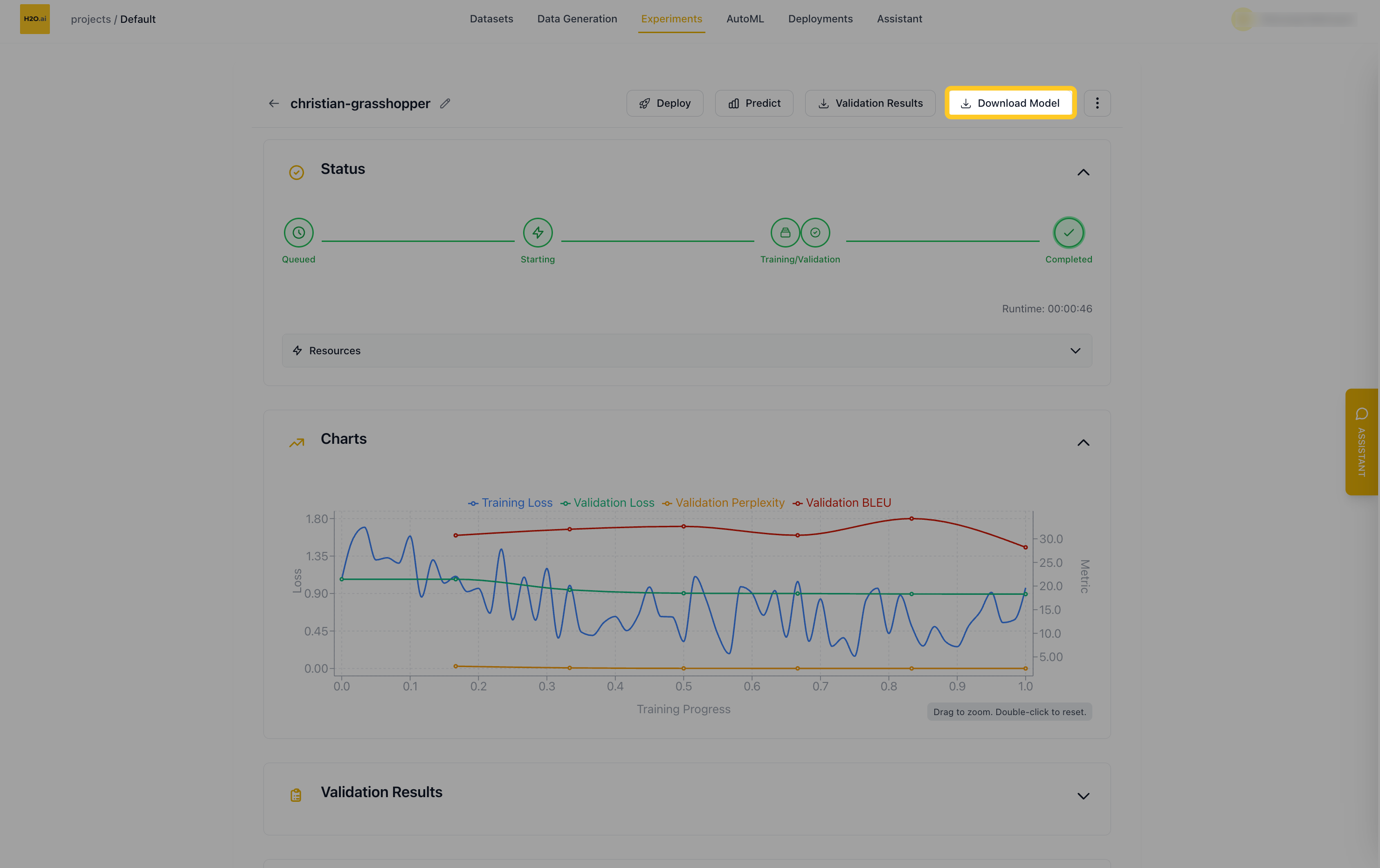
A typical workflow is to train in H2O Cascade, try the model on Model Zoo, and then move the model you choose to H2O MLOps. There's no direct way to push a model from H2O Cascade to H2O MLOps yet. Instead, click Download Model on the experiment page. Then package the model as an MLflow artifact and deploy it in H2O MLOps. Token Classification experiments skip the packaging step, because they come with a ready-made MLOps package.
- Submit and view feedback for this page
- Send feedback about H2O Cascade to cloud-feedback@h2o.ai