Quick scoring
Score directly from the UI
To score the deployment directly from the UI, click Score in the Quick scoring tab.
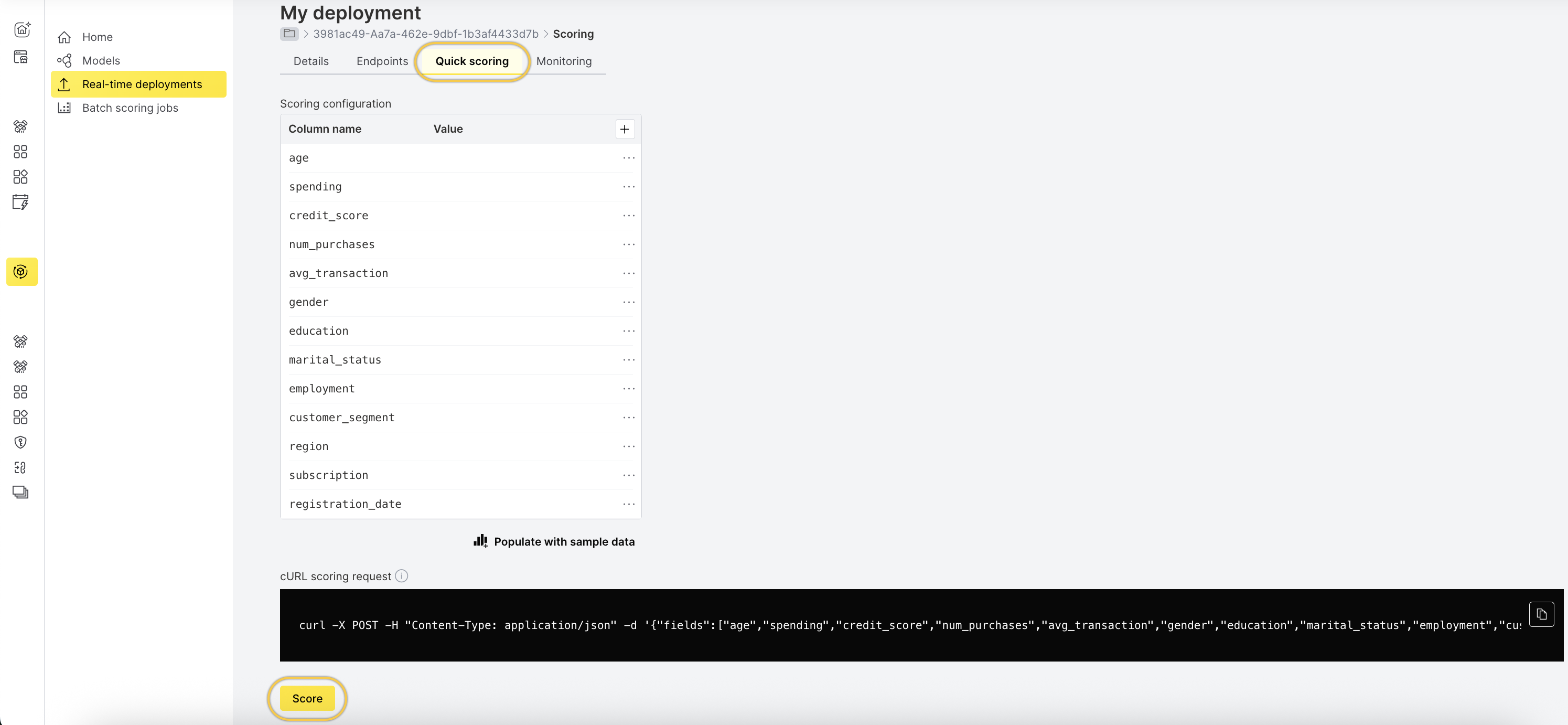 After scoring, the results are displayed in the interface.
Scoring with cURL scoring request
The cURL scoring request is auto-generated based on the scoring configuration.
- In the Quick scoring tab, copy the sample
curlscoring request.
- Open a Terminal window and paste the sample
curlrequest to view the model scoring information.
Feedback
- Submit and view feedback for this page
- Send feedback about H2O MLOps to cloud-feedback@h2o.ai